
Shopify Integration / Business Central
Shopify Connector for Business Central: Setup, Limitations & What Does Not Sync
D365 Zone Services · Oct 30, 2026
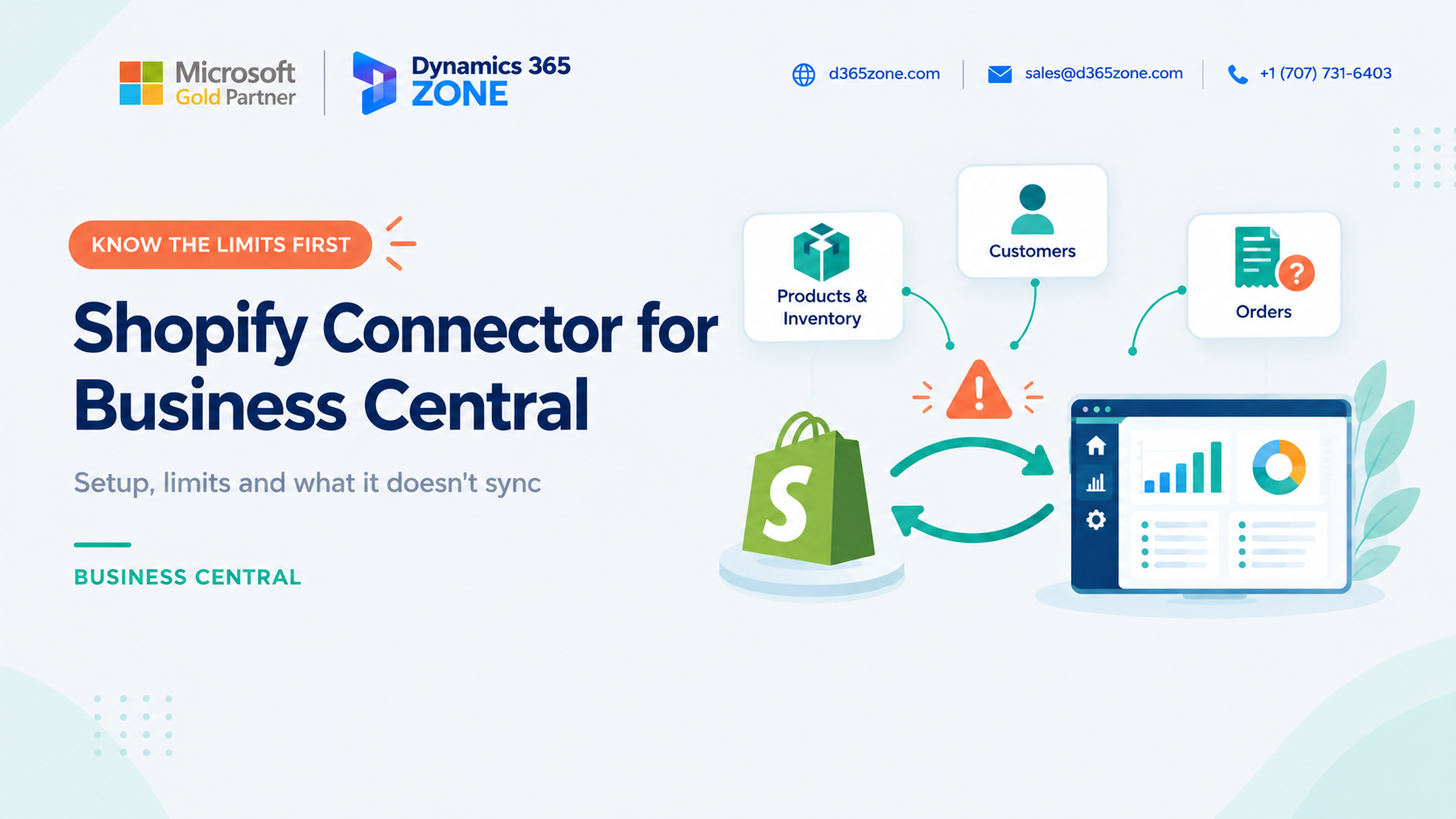
If you're selling via Shopify but using Microsoft Dynamics 365 Business Central for your finances, you have probably looked at the Microsoft Shopify connector. It is a strong starting point for many businesses and helps remove a lot of manual work.
As with any standard integration, it comes with limitations. The key is to understand what it does well, how it is set up, and where a custom solution may still be needed.
What the Shopify Connector Can Be Used For
The Shopify Connector for Business Central allows you to connect your online shop to your ERP so that information flows between the two systems.
When configured correctly, an order placed on Shopify can create a sales document in Business Central. Stock levels stay aligned, customer information is kept consistent, and finance teams work from the same source of truth rather than re-entering data manually.
This is Microsoft’s standard connector for Business Central online and uses Shopify’s native tools for the connection.
Setting Up the Connector
Before setting it up, make sure you have the right prerequisites in place. These include a Business Central license and a Shopify account with an online shop. The connector must be installed in the Business Central environment, and the person configuring it needs the proper admin permissions.
In Business Central, navigate to the Shopify Shop page and create a new shop. Add a simple name and your Shopify shop address, tick the Enabled checkbox, agree to the terms, and complete the Shopify login and permission approval process. Repeat this for any additional shops you need to connect.
Next, configure the shop behavior. This includes deciding what data to import or export, how frequently to sync, and whether new items, customers, and sales documents should be created automatically in Business Central.
One of the most important steps is mapping items and customers. You can allow the connector to create new records automatically, or manually map existing records to avoid duplication. Many businesses prefer to manually map primary records to keep data clean from the start.
It is also sensible to test in a safe environment before going live. During setup, it is easy to create extra items, customers, or orders, so a test shop or sandbox is usually the best place to validate the setup.
What Can Be Synced
Based on Microsoft’s documentation, the connector supports the core processes most ecommerce businesses need. Typical syncs include:
- Items and products, including export from Business Central or import from Shopify
- Pricing and tax data
- Stock updates from Business Central to Shopify
- Customer and company data
- Orders and fulfillment updates sent back to Shopify
As with any platform feature, the available capabilities will evolve over time, so it is always worth checking the latest Microsoft documentation for the current release.
Limitations and Partial Support
This is an important area because many teams only discover the limitations after the connector is already live. The standard Shopify Connector is a good fit for many businesses, but it is not designed to handle every process.
- It is only for Business Central online: It is not intended for on-premise environments.
- Licensing is required: You need Microsoft Dynamics 365 Business Central licensing and a suitable Shopify plan.
- It follows Shopify's release cycle: The connector uses a version of Shopify’s interface tied to a specific Business Central release. If your BC version falls behind, support may be affected and sync can break.
- It is not ideal for custom requirements: Custom pricing, bundle logic, unique fulfillment flow, or unusual product information may not be covered easily.
- Extensibility is limited: Much of the functionality is controlled by Microsoft, so there are fewer extension points than with a custom integration.
- Refunds and returns need process clarity: Your accounting treatment for returns and refunds needs to be planned carefully so they appear correctly in the books.
None of these limitations make the connector a bad choice. They simply mean it is best suited to standard retail scenarios rather than heavily customized operations.
What Does Not Sync Well
Even when the connector works correctly, there are some scenarios where it does not fully cover business needs without additional configuration or custom development.
In practice, the standard connector is less suited to:
- Highly complex pricing or discount logic
- Non-standard product bundles or kit variants
- Special fulfillment workflows or warehouse partner integrations
- Requirements that need custom data mappings beyond the connector defaults
- Operations involving high order volume, B2B account structures, or multi-channel complexity
That does not mean it cannot be used in those businesses, but it does mean the decision needs to be made consciously rather than assuming the standard connector will cover every edge case.
Common Mistakes to Avoid
Some common setup mistakes can create disruption or poor data quality:
- Connecting to live data instead of a test shop.
- Allowing all automatic creation settings without reviewing duplicates.
- Ignoring data cleanup in Business Central before syncing.
- Not mapping tax, shipping, and payment methods correctly.
- Letting the Shopify connection expire without someone monitoring access.
- Failing to keep Business Central updated to supported releases.
When the Standard Connector Is the Right Choice
For many businesses, the standard connector is perfectly adequate. It is often a good fit when you have:
- A single or limited number of Shopify stores
- Simple product ranges and standard pricing
- Basic fulfillment processes
- A requirement to reduce manual order entry and keep stock aligned
If your business is relatively straightforward, this is often the quickest and most cost-effective path to an integrated ecommerce operation.
Conclusion
The Shopify Connector for Business Central is a practical way to connect your online shop to your ERP. It can sync products, stock, customers, and orders in a way that helps many businesses reduce manual work and improve financial accuracy.
The key is to understand its boundaries before implementation. Clean your data, test in a safe environment, keep Business Central updated, and be realistic about the level of customization your operation requires. If the standard connector no longer matches your business processes, a custom integration may be the better next step.
Need help setting up your Shopify & Business Central connection?
Speak to our team about connecting Shopify to your Business Central environment.
D365 Zone Services
Microsoft Dynamics 365 Business Central implementation, integration, migration and support.
- UAE Office: Office 1406, Vision Tower, Business Bay, Dubai
- USA Office: InCorp Services, Inc., 55 W 14th St, Ste 101, Helena, MT 59601
- Email: sales@d365zone.com
- Phone: +1 (707) 731-6403
Areas served: United States, United Kingdom, France, United Arab Emirates, Saudi Arabia, Australia, Netherlands, Canada, Ireland, Germany, Belgium, Switzerland, Luxembourg, Sweden, Norway, Denmark, Qatar, Kuwait, Bahrain, New Zealand, Singapore
Keep Reading
- Shopify Integration for Business Central — Keep Shopify orders, customers, and stock in step with your ERP.
- Shopify Integration with Business Central — Pre-built connector vs. custom build: what syncs and when to choose which.
- Shopify Plus & Business Central — When B2B, multiple stores, high order volumes, or custom processes call for more than the standard connector.
- Managing Bundles and Kits in Business Central — Keep bundle stock accurate with Assembly Management across sales channels.
- Business Central Integration Services — Connect Business Central to your stores, marketplaces, banks, and tools.