
Business Central / Payroll
Business Central Payroll in Australia & South Africa
Dynamics 365 Zone · Oct 28, 2026
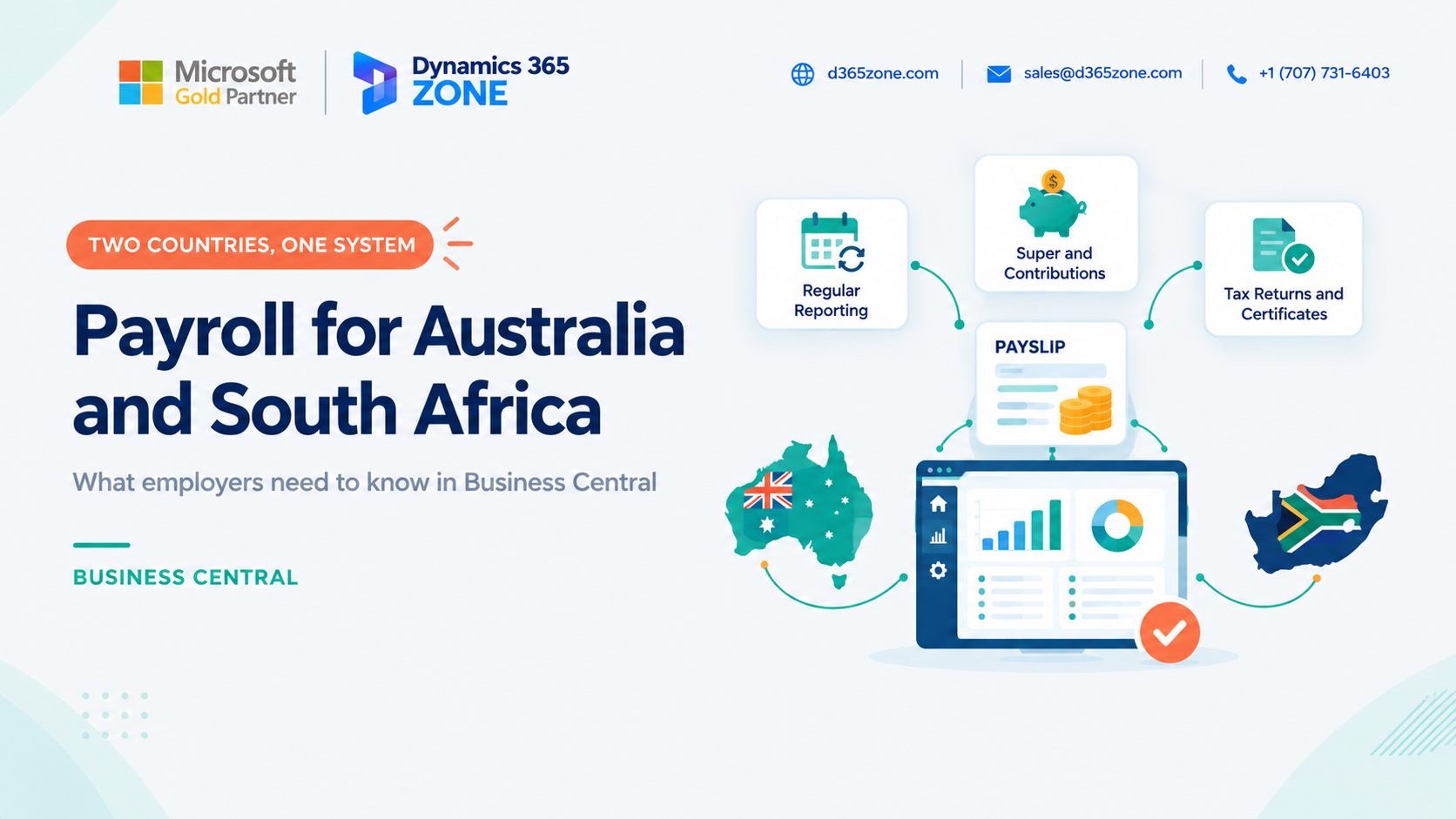
If your business employs people in Australia and/or South Africa, you will know that payroll can be very different across the two countries. Each market has its own tax rules, reporting obligations, and employer contributions, so a payroll setup that works in one country may not be suitable in the other.
Microsoft Dynamics 365 Business Central provides a strong financial foundation for many organisations, but payroll itself is not one-size-fits-all. The right approach is usually to use a local payroll solution or specialist provider connected to Business Central, with accurate financial postings and reconciliation in the ERP.
This guide provides an overview of the key payroll considerations in Australia and South Africa and highlights how to set up a solution that remains compliant, transparent, and easy to reconcile.
Two Markets With Very Different Compliance Requirements
Both Australia and South Africa require employers to deduct taxes and produce reports to the relevant tax authority. However, the compliance model is different in each country.
In Australia, payroll reporting is generally frequent and detailed. Employers need to report each payroll run to the Australian Taxation Office, including wages, tax, and superannuation. Australia also has Award-based pay rules, which can vary by industry, occupation, and employee classification.
In South Africa, the approach is more monthly and reconciliation-driven. Employers typically calculate and pay PAYE, UIF, and SDL each month and file regular statutory returns. At the end of the tax year, employees receive a tax certificate such as an IRP5.
Overall, Australia tends to focus on frequent, detailed reporting. South Africa tends to focus on monthly remittances and recurring reconciliations. If you operate in both countries, your payroll setup needs to reflect both compliance patterns without creating confusion in your finance process.
Australia – Single Touch Payroll, Superannuation, Awards and Leave
In Australia, payroll is shaped by a number of operational and legal requirements. The main areas to plan for include:
- Single Touch Payroll (STP): Every payroll run must be reported to the Australian Taxation Office. This includes wages, tax, and super paid to employees.
- Superannuation: Employers generally need to pay a percentage of employee earnings into a super fund. From 1 July 2026, payday super rules will require super to be paid on payday, with a short processing window.
- Awards: Many employees are covered by an Award, which determines minimum pay rates, overtime, public holiday penalties, weekend penalties, allowances, and other conditions.
- Leave: Annual, personal, and long service leave entitlements have rules that affect pay calculations and balances.
These requirements can change frequently, so businesses should keep their payroll configuration aligned with the latest advice from the Australian Taxation Office and relevant industrial relations guidance.
South Africa – PAYE, UIF, SDL and Statutory Reporting
In South Africa, payroll compliance is centered on withholding and reporting. Employers typically need to manage:
- PAYE: Income tax deducted from employees and remitted to SARS based on earnings, age, and tax rebates.
- UIF: Both employer and employee contribute to the Unemployment Insurance Fund, with a capped monthly contribution.
- SDL: Skills Development Levy is payable by the employer on a portion of payroll, subject to thresholds.
- Monthly declarations: Returns such as EMP201 are commonly submitted monthly, with PAYE, UIF, and SDL due by the 7th of the following month.
- Reconciliation and certificates: EMP501 reconciliations are required during the year, and employees receive tax certificates such as IRP5 at the end of the tax year.
As with Australia, it is essential to check the latest rates, thresholds, and filing dates with SARS and a qualified local advisor where needed.
Local Support and Extensions
Business Central can be a strong accounting platform for both countries, but in most cases the full local payroll capability is not included as a standard part of the system. Many businesses use a local payroll extension or external payroll provider that already understands the regional rules and statutory reporting requirements.
In Australia, there are many payroll providers that support STP and Award-based calculations. In South Africa, well-established local packages often cover PAYE, UIF, SDL, and SARS reporting. These solutions can be connected to Business Central so that finance teams can post the payroll results cleanly to the correct GL accounts.
If your company has more complex payroll logic, you may also consider a custom extension or a tailored payroll configuration. The key is to choose a solution that is actively maintained and updated as tax and employment rules change.
Integration and G/L Entries
If payroll is run outside Business Central, a clean integration is still essential. The finance team needs a consistent and auditable journal posting from the payroll run into the ERP.
A good general ledger posting should clearly capture gross salary, employer contributions, tax, payroll liabilities, and amounts due to employees or tax authorities. If your team uses dimensions, you can also track labour cost by department, project, branch, or location.
Two practical points matter here: ensure employees are matched correctly between the payroll system and Business Central, and reconcile every payroll run. Comparing payroll totals to the GL entries helps prevent discrepancies and makes the month-end close far easier to manage.
Choosing the Right Option
You do not necessarily need the same solution for both countries. A good decision usually depends on a few key questions:
- Do you have a trusted local provider or extension? A local specialist can often reduce the risk of non-compliance.
- How complex is your payroll? Basic salaries are easier to manage, but shift workers, Awards, allowances, and multiple employee categories require more flexibility.
- How many people are you paying? Smaller teams often prefer a simpler, off-the-shelf package, while larger teams may need a more integrated setup.
- Do you want everything in one place? A native extension can keep payroll data close to the ERP, while an external provider may centralise specialist compliance expertise.
Whichever option you choose, someone in the business should own the review of changing rules and statutory updates. Both Australia and South Africa have regulatory changes that can affect payroll configuration.
Conclusion
Payroll in Australia and South Africa is shaped by very different compliance and reporting models. Business Central can still act as the financial hub, but payroll must be configured around the local rules in each country.
The strongest setup is usually a payroll solution that is tailored to the local jurisdiction, supported by clean GL integration, and reviewed regularly by someone responsible for updating statutory rules. This gives you more control, better reconciliation, and less risk of payroll errors.
Need help with payroll for your regions?
Speak to our team about payroll for your region in Business Central.
D365 Zone Services
Microsoft Dynamics 365 Business Central implementation, integration, migration and support.
- UAE Office: Office 1406, Vision Tower, Business Bay, Dubai
- USA Office: InCorp Services, Inc., 55 W 14th St, Ste 101, Helena, MT 59601
- Email: sales@d365zone.com
- Phone: +1 (707) 731-6403
Areas served: United States, United Kingdom, France, United Arab Emirates, Saudi Arabia, Australia, Netherlands, Canada, Ireland, Germany, Belgium, Switzerland, Luxembourg, Sweden, Norway, Denmark, Qatar, Kuwait, Bahrain, New Zealand, Singapore
Keep Reading
- Does Business Central Have Payroll? — What Business Central can do for payroll and how to choose an add-on or integration.
- Business Central Payroll in the UAE and Saudi Arabia — An overview of Gulf payroll requirements, including salary reporting, end-of-service benefits, and GOSI.
- HR Analytics in Business Central — Use Business Central and Power BI to report on headcount, payroll costs, absence, and turnover.
- HR & Payroll Implementation — Business Central implementation with HR and payroll in one system.
- Business Central Integration Services — Connect Business Central to your stores, marketplaces, banks, and tools.