
Business Central / Payroll
Does Business Central Have Payroll?
Dynamics 365 Zone · Oct 27, 2026
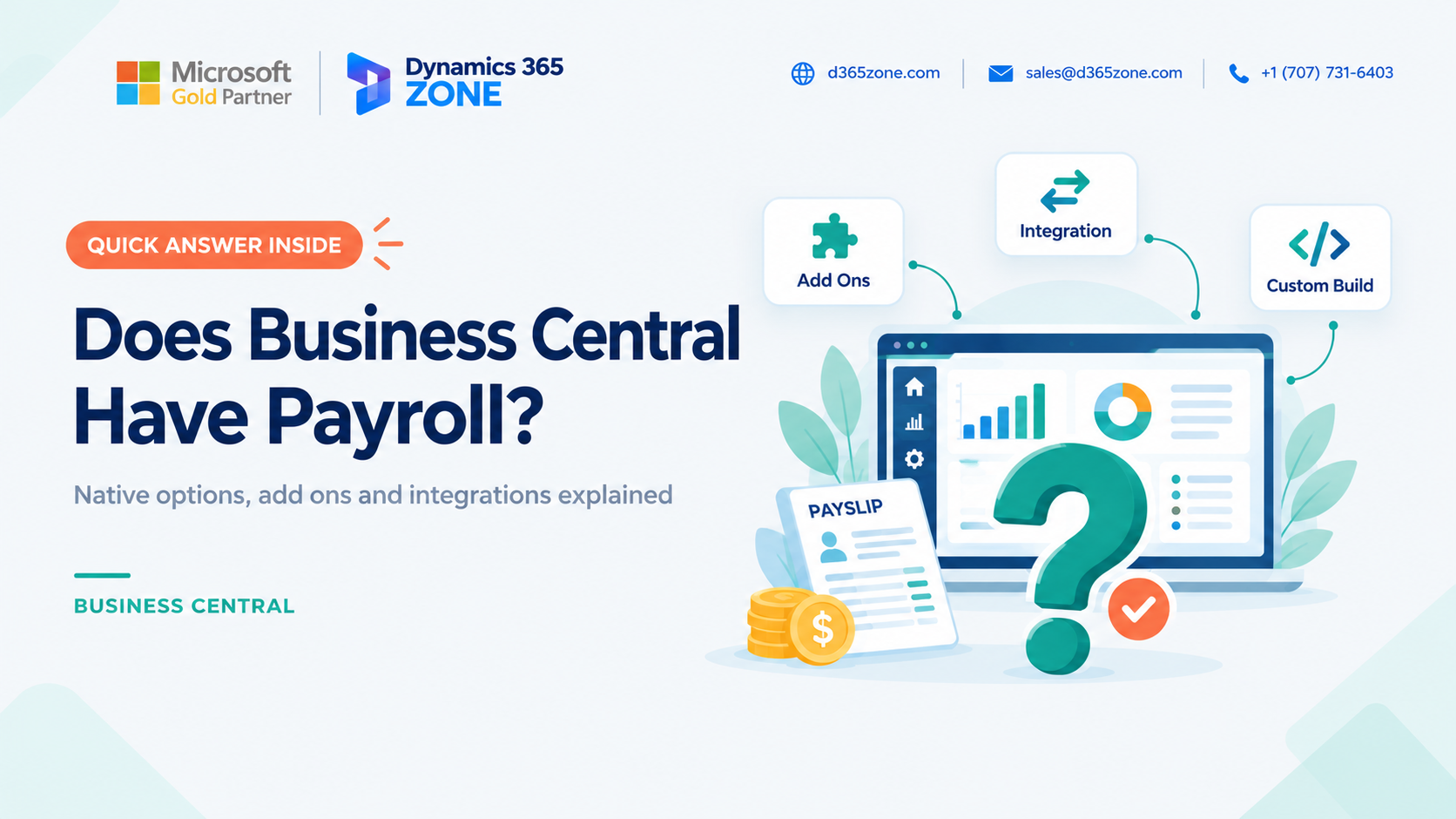
When evaluating Microsoft Dynamics 365 Business Central, one of the first questions many companies ask is whether it includes payroll. The short answer is that Business Central can support employee records and payroll accounting, but a complete payroll calculation solution is generally not included as standard. Capabilities and local options can vary by country, localization, and installed extensions.
Here is what you can typically do in Business Central, what usually requires another solution, and how to choose the right setup for your business.
Short Answer: Business Central Payroll
Business Central can be part of a payroll process, particularly for recording payroll costs in your accounts. In many countries, however, it does not calculate gross-to-net pay, handle every local statutory requirement, or produce compliant payslips on its own. Confirm the capabilities available for your country and version before deciding how to manage payroll.
What You Can Do in Business Central
Business Central includes employee records and financial tools that can support the accounting side of payroll. Depending on your configuration, you can:
- Store employee details such as names, job titles, dates, and contact information.
- Record payroll costs through general journal entries.
- Post payroll amounts to the general ledger, using the relevant accounts and dimensions such as department or location.
- Track employee-related amounts, such as expenses or advances, with employee ledger entries where appropriate.
Once posted, payroll journal entries become part of your financial records. The level of detail and dimensions you include determine how clearly you can report payroll costs later. For more on that reporting, see our guide to HR analytics and payroll cost reports in Business Central.
What Business Central Typically Does Not Do by Itself
A payroll engine needs to apply country-specific legislation and company rules. Unless suitable payroll functionality is available through a local solution or extension, you will generally need another system for tasks such as:
- Calculating gross-to-net pay, deductions, and employer contributions.
- Applying local income tax and social contribution rules.
- Preparing statutory payroll filings and reports.
- Generating payslips and managing detailed leave, overtime, or shift rules.
These requirements differ between jurisdictions and can change over time. Check the current product scope and local compliance coverage with your implementation partner or payroll vendor.
Option 1: Use a Payroll Add-On
Payroll extensions available through Microsoft AppSource or local partners can add payroll functionality that works with Business Central. Depending on the product, employee information, payroll calculations, and accounting postings may be managed in one connected environment.
Before choosing an add-on, verify that it supports every country where you employ staff, covers your tax and statutory reporting requirements, and receives timely updates when regulations change. Also check its employee limits, support arrangements, and how it handles payroll posting and dimensions.
Option 2: Integrate an External Payroll Provider
If you already use a payroll provider or prefer a dedicated service, payroll can be calculated in that system and the resulting financial data transferred to Business Central. This is often done through journal entries or an integration designed for your provider and accounting setup.
Agree on which system owns employee data, how payroll accounts and dimensions are mapped, and how corrections and reconciliation are handled. A well-defined integration helps avoid mismatches between payroll reports and the general ledger. Our Business Central integration services can help connect systems where needed.
Option 3: Develop a Custom Payroll Solution
A custom extension may be appropriate when standard add-ons and providers cannot meet a specific business requirement. It can be tailored to your processes, but it also requires clear specifications, testing, and ongoing ownership.
Payroll rules and compliance obligations change. A custom solution therefore needs a plan for maintenance, updates, and validation, especially when tax or statutory requirements are involved. Consider this route only after confirming that a supported off-the-shelf option will not meet your needs.
Posting Payroll to the General Ledger
Whichever payroll option you choose, decide how payroll costs and liabilities should be represented in Business Central. A payroll journal may include salary expenses, employer contributions, deductions, and amounts payable to employees or authorities, mapped to the appropriate accounts.
Use dimensions consistently if you need to review costs by department, location, or team. Detailed postings can support more useful budget comparisons and management reports than a single lump-sum entry. Agree the posting structure with Finance and reconcile it to the payroll provider's reports for each pay run.
How to Choose the Right Payroll Option
Start with the requirements that affect payroll accuracy and compliance:
- Where are your employees based? Confirm local legislation, filing, and payslip coverage for every country.
- How complex is your pay structure? Shifts, overtime, commission, and allowances can require more specialized functionality.
- Do you already have a payroll provider? An integration may preserve a process your team already knows.
- How closely should payroll connect to Business Central? Consider employee data ownership, journal detail, dimensions, and reconciliation.
- What are your budget and timing constraints? Compare implementation effort and ongoing support, not just initial cost.
The right choice depends on your country, workforce, pay rules, and compliance responsibilities. There is no single approach that fits every organization.
Conclusion
Business Central can store employee details and provide the accounting foundation for payroll, but a complete payroll calculation and compliance solution is generally provided through a country-specific add-on, an external payroll provider, or a custom extension. Confirm local functionality and plan how payroll postings will be reconciled and reported.
Need payroll to work with Business Central?
Talk to our team about the HR and payroll setup that fits your Business Central requirements.
D365 Zone Services
Microsoft Dynamics 365 Business Central implementation, integration, migration and support.
- UAE Office: Office 1406, Vision Tower, Business Bay, Dubai
- USA Office: InCorp Services, Inc., 55 W 14th St, Ste 101, Helena, MT 59601
- Email: sales@d365zone.com
- Phone: +1 (707) 731-6403
Areas served: United States, United Kingdom, France, United Arab Emirates, Saudi Arabia, Australia, Netherlands, Canada, Ireland, Germany, Belgium, Switzerland, Luxembourg, Sweden, Norway, Denmark, Qatar, Kuwait, Bahrain, New Zealand, Singapore
Keep Reading
- Business Central Payroll in the UAE and Saudi Arabia — An overview of Gulf payroll requirements, including salary reporting, end-of-service benefits, and GOSI.
- HR Analytics in Business Central — Use Business Central and Power BI to report on headcount, payroll costs, absence, and turnover.
- HR & Payroll Implementation — Business Central implementation with HR and payroll in one system.
- Business Central Payroll in Australia & South Africa — What payroll setup is needed for local tax compliance, reporting and GL accuracy.
- Business Central Integration Services — Connect Business Central to your stores, marketplaces, banks, and tools.